Expert advertising skills for your AI agent
Run your performance marketing from one conversation.
You build the product. ChatGrowing helps you launch and improve the ads that bring your first customers.
Focus on your products. ChatGrowing handles the ads—from creative to conversion.
You set the strategy. ChatGrowing puts expert skills to work across analysis, optimization, and reporting.
Specialist paid media skills for your AI agent. Not another dashboard.
I’m launching a new app. Help me find my first paying customers.
 ChatGrowingAdvertising skills
Understand the product and customer
Choose channels and a first-test budget
Prepare messaging and success criteria
A focused first test. Not a blank ad account.
- Audience
- High-intent users
- Channel
- Google Search
- Measure
- Cost per customer
Start with one audience and one offer. Learn before scaling.
Which product ads need attention, and what should we test next?
ChatGrowingAdvertising skillsCompare product-level ad performance
Check creative fatigue and conversion
Turn the findings into a test brief
Keep the offer. Test a stronger opening.
- Signal
- Falling ad CTR
- Check
- Creative fatigue
- Next test
- Product in use
Lead with the product solving a real problem. Compare against the current ad.
Explain last week’s CAC change and prepare a review for my team.
ChatGrowingAdvertising skillsCompare Meta, Google, and TikTok
Check attribution and cohort maturity
Summarize drivers and next actions
Know what changed. Know where to act.
- Review
- Cross-channel
- Evidence
- MMP + media
- Output
- Team report
Separate traffic mix from attribution delay, then share the evidence and next checks.
Why ChatGrowing
Don’t just connect your data.
Give your agent advertising expertise.
ChatGrowing combines specialist advertising skills with your business context—so your agent knows what to investigate, why it matters, and what to do next.
Explore the growth insights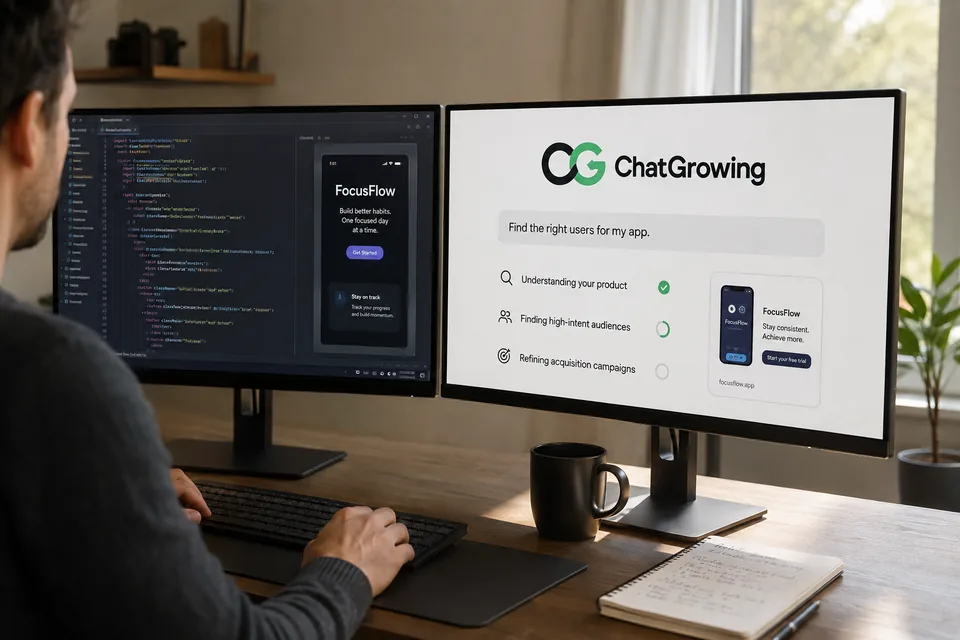
Your business,
understood.
Your product, customers, margins, and ambitions shape the work—not just the metrics in your ad account.
Advertising expertise,
built in.
Specialist advertising skills guide attribution checks, creative diagnosis, and budget decisions. Your agent starts with a method, not a blank page.
A next move,
with reasons.
Know what to test, what to fix, and where to invest—with the reasoning, evidence, and checks behind each recommendation.
Built around your business. Focused on profitable growth.
Connect the full picture
Connect your ad platforms.
Understand the full picture.
Ad platforms show what you spent and delivered. Attribution and analytics show what happened next. Bring both into the same conversation.
Paid media
WHAT RAN Meta Ads
 Google Ads
 TikTok Ads
 AppsFlyer
 Adjust
 GA4
GA4Different signals. One context.
Know what brought the click.
And what earned the customer.
- Media delivery
- Spend, reach, clicks, and creative response.
- Attribution & analytics
- Installs, key events, revenue, and customer quality.
The work, not another dashboard
Put your advertising plan to work.
Analyze, create, optimize, launch, monitor, and report. Keep your business context with the work, instead of starting again in every platform.
Interactive concept demo · example data · no live campaign changes
Explain the change across channels.
Compare delivery, attribution maturity, conversion quality, and creative signals before deciding where to act.
Explore analysis →Compare the last 7 days with the prior period and explain the CAC increase.
ChatGrowingRunning cross-channel diagnosisProspecting needs a closer look.
Check the traffic mix before the budget.
Recommended investigation order and supporting evidence included.
Turn performance signals into new creative.
Find fatigue, study competitor patterns, draft concepts, and prepare variants for the placements that need them.
Explore creative work →Find fatigued Meta creatives and produce three replacement directions.
ChatGrowingBuilding a creative refreshLead with proof in the first two seconds; keep the offer before the demo.
Concepts, copy, placement notes, and render sizes included.
Move from diagnosis to a validated campaign change.
Prepare budgets, audiences, creative, tracking, and launch settings inside your operating policy.
Explore campaign operations →Reallocate today’s budget and prepare the new campaign for launch.
ChatGrowingValidating changesThree budget changes prepared.
New campaign ready for review.
Illustrative policy: automate within agreed limits; review exceptions before execution.
Set the goal once. Keep checking the evidence.
Watch performance, delivery, data health, and policy conditions continuously, then act or escalate.
Explore monitoring →Keep blended CAC below $60. Alert me after 6 hours above $65.
ChatGrowingMonitoring is activeTarget $60 · Alert $65 · Approval required before campaign pause.
Every check keeps the source state and policy outcome.
Deliver the same evidence your team reviewed.
Build a reusable cross-channel report, save it to the right destination, and keep it refreshable.
Explore reporting →Create our weekly paid media review and save it to Google Drive.
ChatGrowingPreparing the weekly reviewA seven-section review with linked evidence.
Example destination: Google Drive. Delivery requires a connected, authorized destination.
The report, without the spreadsheet work
Spend less time
rebuilding reports.
No more repeating the same exports, cleaning the same columns, and copying the same tables. Start with a question. Finish with a review your team can use.
Leave the preparation behind.
- Export from every ad platform
- Download attribution data
- Clean dates, names, and currencies
- Rebuild joins and formulas
- Copy the results into a report
Keep the judgment. Hand off the repetitive work.
See the connected approach →Your next decision,
with the evidence attached.
24–30 Aug 2026 · USD · comparison: prior 7 days
Pricing
A plan for the way
you run ads.
Start with your own product, run a growing brand, or work across a team. The right plan should make the scope and cost clear.
For independent builders
Solo
Get help with the advertising work around your product.
- Understand acquisition performance
- Prepare your next creative test
- Build a useful weekly review
For growing brands
Growth
Bring recurring analysis and campaign work into one place.
- Cross-channel advertising tasks
- Repeatable professional skills
- Monitoring and reporting routines
For marketing teams
Team
Keep the team’s context with the work across accounts.
- Shared targets and operating context
- Account scope and review controls
- Reports your team can inspect
Ad spend is separate. Agent subscriptions, included usage, overages, and payment terms must be confirmed before a paid plan is offered.
Before you get started
Your questions,
answered.
Understand the setup, your account access, and the work you’re handing over.
Read about permissions & control →Need help? [email protected]
Never send passwords, access tokens, or unredacted account data.
Is ChatGrowing a dashboard or a plugin?
ChatGrowing is a plugin that brings advertising skills and connected data into your AI agent. The task, its result, and the next step stay in the conversation.
Which AI agent can I use?
ChatGrowing is designed as a plugin for the agent you choose, not a separate chat app. Start with Codex; support will expand to Claude, Grok, Manus, and other AI agents. Each host needs its own setup and compatibility checks. The prompt below installs the Codex version.
What makes it different from a platform MCP?
ChatGrowing combines data access with repeatable advertising skills: choosing checks, interpreting signals, and preparing the next step. Platform MCP capabilities vary by provider; compare the actual methods and work each supports.
Does installing it connect all my ad accounts?
No. Install the plugin, sign in, and confirm your organization and authorized resources. Installation does not grant access to accounts. Available integrations depend on your workspace and permissions.
Will ChatGrowing change my campaigns?
The current Ads Read connection does not write to ad platforms. Campaign execution in the concept demos describes the intended experience, with action-specific authorization and controls. Review the actual enabled capabilities before assigning a live task.
How much does it cost?
The package cards above are a local design preview, not a paid offer. Prices, limits, renewal and cancellation terms have not been finalized. Do not assume a free plan or that your agent subscription is included.
Can I send reports to Drive or Sheets?
These are example reporting destinations in the product design. Actual generation, export, and delivery depend on the connectors and permissions enabled for your workspace; preparing a report does not mean it has been sent.
How do I disconnect or request deletion?
Revoking an integration stops future authorized access; it does not automatically delete stored reports or backups. Follow the data deletion instructions for the applicable request process.
Your agent. Our advertising expertise.
Start with the advertising job you repeat every week.
Bring specialist advertising skills into your AI agent. Use the Codex setup here, or contact us about access through Claude, Grok, or Manus.
Read https://chatgrowing.com/downloads/marketplace/INSTALL.md and install ChatGrowing in Codex. Reuse any existing installation and valid authorization, continue from the first unfinished step, and finish by querying real advertising data I am authorized to access. If something fails, inspect the specific error and resolve it. Do not treat installation or sign-in alone as completion.- Install or updateUse the prompt above in the Codex desktop app.
- Verify accessQuery advertising data you are authorized to access; ask your admin if no resources are assigned.
- Start your workOpen a new task if Codex needs to refresh the plugin, then ask: “Review last week’s paid media performance.”
Using another agent? Contact us about its setup. Signed in without resources? Ask your organization admin to check access, or contact support. Do not share credentials.